
Navtara Date Comparison: Reading Tara Shifts, Planet Rows and Calendar Windows
14 November 2026
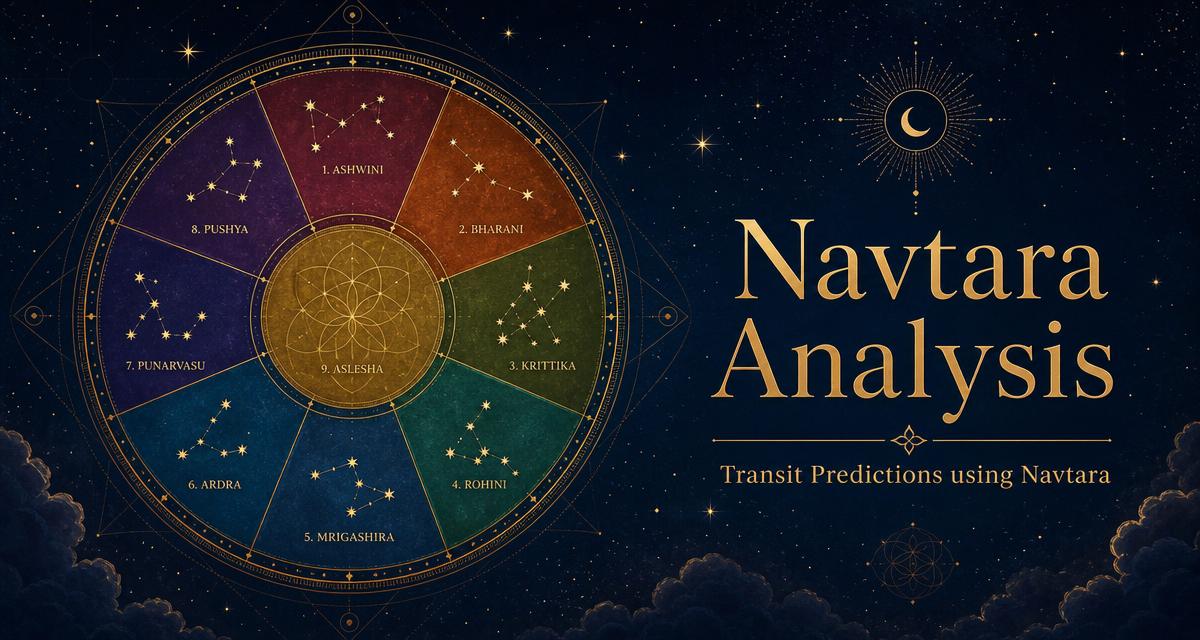
When two dates produce different Navtara readings, the first question is not simply which date is “good.” Ask what changed: the transit moment, a planet’s Nakshatra, its Tara group or the balance across the planet rows. Astrometry’s Navtara Analysis software keeps these layers visible through its Chakra, planet table, guidance and transit calendar.
This article explains how to compare dates without changing the person’s birth-star baseline. For the nine categories themselves, see the introductory Navtara guide. Here the emphasis is on reading a changing timeline rather than memorising category names.
Keep Janma Nakshatra fixed
The Janma Nakshatra is the star occupied by the Moon at birth. It anchors the nine Tara groups across the 27 Nakshatras. The software shows the natal star, Pada, lord and degree, followed by the star groups counted from it.
Check the birth date, time, place and time zone before comparing dates. If you do not know your birth star, the Nakshatra Finder provides a separate way to inspect it from birth details. Once the baseline is confirmed, preserve those details during your date comparison. A changed birth input can alter the grouping itself, which is different from observing a transit shift.
Distinguish the Chakra from the transit table
The Chakra answers: which stars belong to each Tara group for this person? The transit table answers: which of those groups does each planet occupy at the selected moment? Changing the transit date can move a planet into another group without changing the natal Chakra.
The nine groups shown by the software are Janma, Sampat, Vipat, Kshema, Pratyak, Sadhaka, Vadha, Mitra and Ati-Mitra. The report also identifies the cycle within the three rounds of nine stars. Keep the group and cycle with your notes rather than reducing the result to a colour alone.
Compare one planet at a time
Choose the first date and time, then record the relevant planet’s Nakshatra, Tara, cycle, verdict and prediction. Repeat for the second moment with the same birth details. A useful comparison identifies the changed row directly: the planet moved from one star and Tara to another, or it retained the same group despite a different date.
The software reads Jupiter, Saturn, Rahu, Ketu, Mars, Sun, Mercury, Venus and Moon. They do not all move through the stars at the same pace. A calendar change in the Moon’s reading should not be treated as evidence that the slower planets’ rows changed too.
Read counts and net score as summaries
The favourable count, unfavourable count and net score summarise the displayed planet classifications. They do not measure a person’s probability of success, and they are not percentages. A better overall balance can still coexist with a difficult row for the planet or area you are examining.
Read the individual prediction alongside the summary. The report’s planet rows include their domain and retrograde status, so the accompanying sentence may qualify the reading. Avoid replacing a mixed set of rows with an unconditional claim that everything will go well.
Use the calendar and shift windows together
The calendar helps orient the days within the selected period. The shift information helps explain when a planet changes Tara. Start with the date relevant to your planned review, inspect the day’s calendar information, then follow the planet windows and shifts that affect that moment.
- Confirm the unchanged natal Moon star.
- Select the first transit date and time.
- Record the relevant planet rows and overall balance.
- Select the second moment and identify the actual changed rows.
- Review nearby shift times before treating a whole day as one uniform reading.
Keep the time-zone context with every saved comparison. A date label alone may conceal a change that occurs within the day. The exact displayed time and window are more useful than copying a favourable label without its boundaries.
Keep guidance tied to its planet and Tara
The guidance section labels each entry by planet and Tara and separates “Do,” “Avoid” and remedies. Preserve that association when making notes or downloading the report. Guidance attached to one hard Tara should not be copied into every other planet’s reading.
These are traditional interpretive suggestions, not medical, financial or legal advice. Do not postpone necessary care or important obligations solely because of a calendar classification, and do not assume a remedy guarantees an outcome.
Save a comparison that can be checked later
Include the person, Janma Nakshatra, calculation settings, both transit moments, changed Tara rows and the relevant window notes. Check these details before exporting the full PDF. An active licence or plan governs report access separately; changing the date does not itself grant a download.
Open Navtara Analysis to examine the dates. For broader context, use the Dasha calculator and the combined transit-analysis workflow. These tools provide different interpretive layers; agreement between them is not proof that a real-world event will occur.