
Navtara Software: Birth Star and Transit Comparison Checklist
29 November 2026
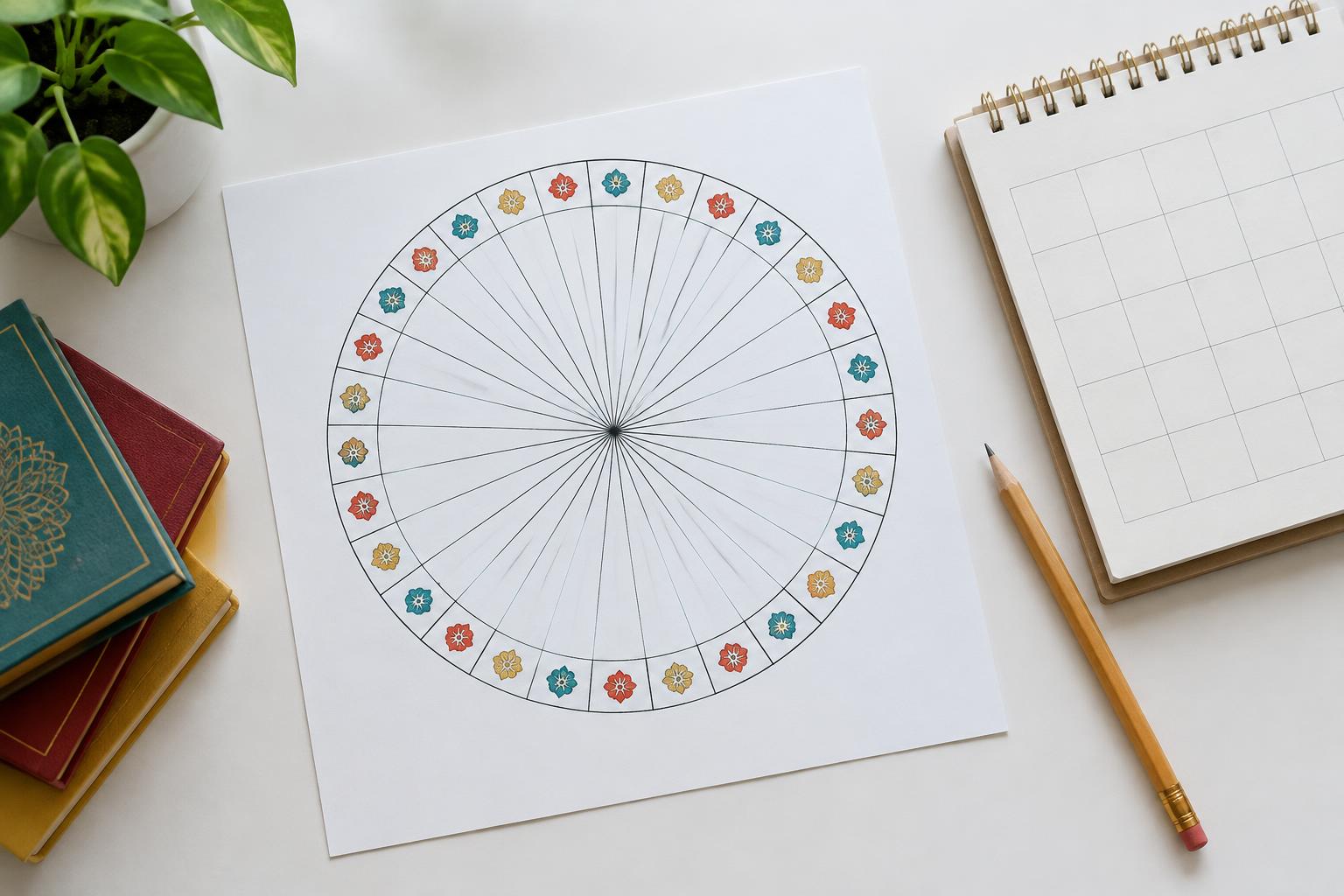
A Navtara report answers a different question from a birth-star finder. A finder identifies the Moon's nakshatra at birth; Navtara uses that birth star as the reference for grouping the 27 nakshatras and reading transiting planets. Keeping those two stages separate makes the report easier to understand and prevents a changing transit from being mistaken for a changing birth star.
This guide explains how to read Astrometry's Navtara Analysis software, with a practical checklist for comparing reports at different moments. The focus is on the information the software actually presents: the natal reference, nine tara groups, planetary rows, summary counts and guidance.
Confirm the janma nakshatra first
Janma nakshatra is the star occupied by the Moon at birth. It is the anchor for the Navtara chakra, so checking the date, time, birth place and time zone comes before interpreting a favourable or unfavourable label. The report identifies the birth star with its pada, lord and degree.
If you need a starting check, use the Nakshatra Finder and keep the same birth record when opening Navtara. A pada is one of a nakshatra's four quarters; it is not an additional tara category. Record the birth star rather than substituting your Sun sign or a name-based star for the calculated natal Moon reference.
How the nine groups span 27 stars
The software counts from the janma nakshatra and repeats a sequence of nine tara names through three cycles. The sequence is Janma, Sampat, Vipat, Kshema, Pratyak, Sadhaka, Vadha, Mitra and Ati-Mitra. All 27 stars therefore appear in the chakra, with a tara label and a cycle number for each row.
A simple way to check the structure is to count the birth star as position one. Positions one, ten and nineteen belong to Janma; positions two, eleven and twenty belong to Sampat. The same spacing applies to each remaining group. This example explains the grouping only; it does not claim that a person will experience a particular event.
In the software's classifications, Sampat, Kshema, Sadhaka, Mitra and Ati-Mitra are favourable groups. Janma, Vipat, Pratyak and Vadha are on the cautionary side. Read the accompanying signification and guidance rather than treating a colour alone as the entire report.
The chakra is the reference; transit rows are the changing picture
The chakra groups the stars relative to your natal Moon. The transit table places each planet in that structure at the selected moment. Astrometry reads Jupiter, Saturn, Rahu, Ketu, Mars, Sun, Mercury, Venus and Moon, so a Navtara report is not limited to today's Moon star.
For each planetary row, check the planet, nakshatra, star lord, degree, tara, cycle and retrograde indicator before reading the prediction. These fields explain which placement the interpretation belongs to. A row about Saturn should not be copied as if it were a statement about every area of life or every transiting planet.
Use summary counts without turning them into odds
The report includes favourable and unfavourable counts, a net score and an overall mood. They summarise the software's classifications; they are not a measured probability of success, a clinical risk score or an investment forecast. A positive total does not erase every cautionary planetary row, and a negative total does not establish that an event must fail.
Read the summary first for orientation, then identify the individual rows that matter to the question you are discussing. Keep the planetary domain and the actual guidance visible. This is more informative than reporting only a score while omitting the placements that produced it.
A checklist for comparing two dates
- Keep the natal record fixed. Use the same birth details and verify the same janma nakshatra.
- Record both transit moments. Include the date, time and relevant time-zone context, not just “today” and “tomorrow.”
- Compare planetary rows. Identify which planets changed nakshatra or tara rather than assuming every row changed.
- Check the summaries afterwards. Relate any changed counts or score to the actual row differences.
- Save the context with the report. A PDF or consultation note should make clear which moment it describes.
This distinction is particularly useful when revisiting an older report. Your birth star is the natal reference; the sky used for a transit reading belongs to a particular moment. Reopening a report without checking its date can make an old transit interpretation look current.
Navtara is not a complete occasion-specific muhurat
Navtara gives a personalised star-based transit perspective. For selecting a time for an actual occasion, use the separate Personalized Muhurat tool, and consult Today's Panchang for the daily calendar context. A favourable tara on its own is not the same as an occasion-specific recommendation.
Keep the outputs labelled separately: the Navtara report describes planetary placements relative to a birth star, while the muhurat tool searches for windows for a selected activity. Neither should be repackaged as a guarantee of a wedding, business launch or other outcome.
Read remedies as optional traditional guidance
The software pairs tara guidance with actions, things to avoid and traditional remedies. Consider the specific row and your circumstances before adopting any suggestion. Do not replace medical treatment, professional financial advice or essential responsibilities with a timing label or remedy.
Start with one checked birth record and one clearly recorded transit moment. Read the chakra, inspect the planetary rows, and only then use the summary to organise your discussion. That sequence gives the Navtara report a clear context and makes later comparisons far more useful than a standalone favourable or unfavourable verdict.